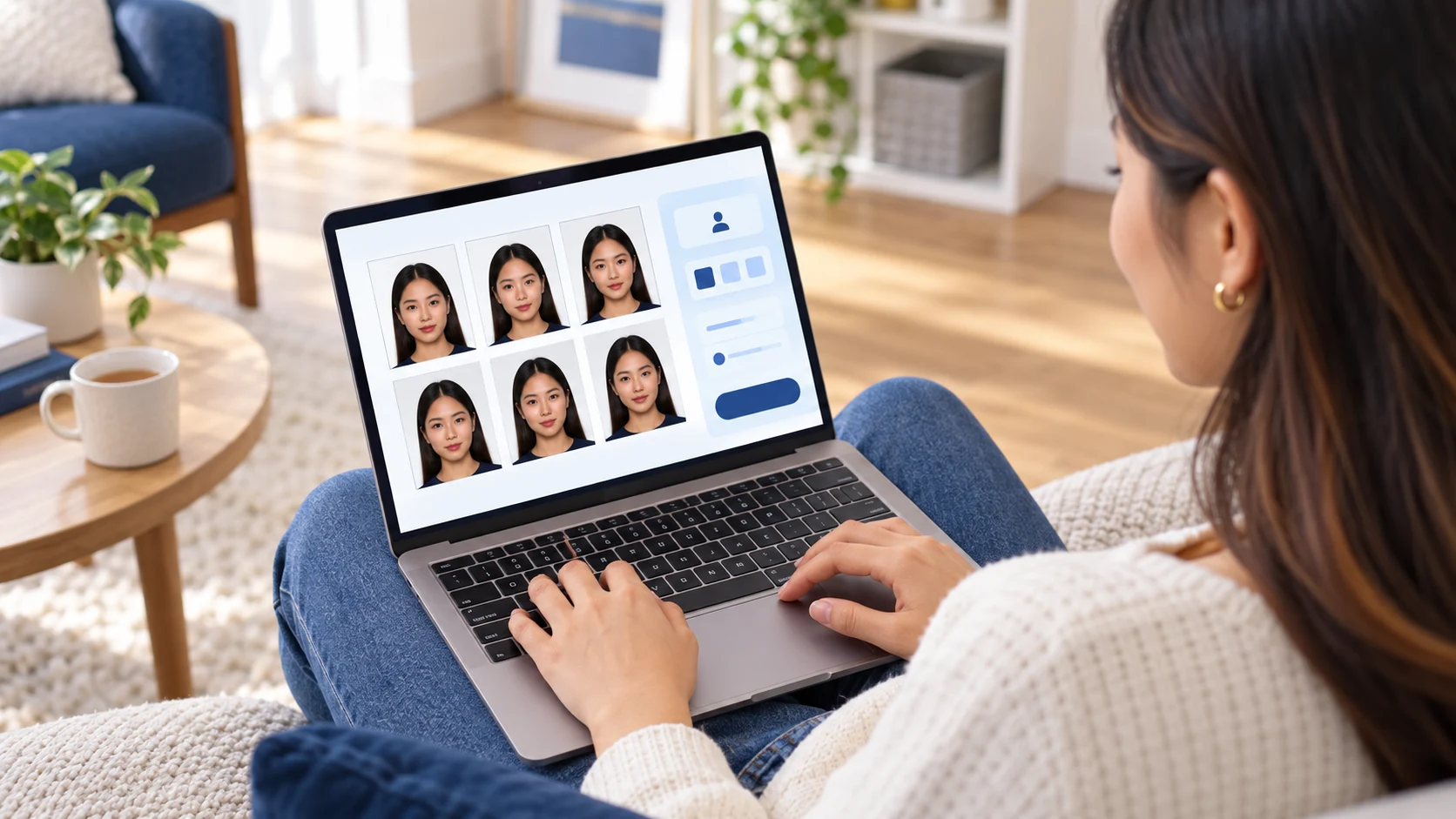
A passport photo might be rejected when it does not meet the required rules for image quality, facial visibility, expression, background, or digital presentation.
Why Can a Passport Photo Be Rejected?
Blur or Low Quality
The photograph must be clear and sharp enough for passport identification. A blurry or low-quality image might not meet the required standard.
Shadows
Uneven lighting can create shadows on your face or behind you. Use even lighting to keep your face clearly visible.
Glare or Reflections
Glasses can cause reflections or glare that hide your eyes. Frames can also obstruct your eyes and affect the visibility of your face.
Facial Expression
Most adults need a plain expression with their mouth closed. Smiling, frowning, or keeping your mouth open might cause the photograph to fail the requirements.
Unsuitable Background
The background should meet the requirements for the type of passport photo you are submitting. Patterned, cluttered, or unsuitable backgrounds might lead to rejection.
Digital Alteration
Passport photos should represent your natural appearance. Filters, retouching, effects, or other software alterations might cause the photo to be rejected.
How to Avoid Passport Photo Rejection
- Use clear and sharp lighting.
- Keep your face fully visible.
- Avoid shadows across your face or behind you.
- Remove glasses unless you need to wear them.
- Keep a plain expression if you are an adult.
- Use a suitable plain background.
- Do not use filters or digital effects.
- Check the required photo size and file format before submitting.
What Should You Do If Your Photo Is Rejected?
Check the reason given by the passport application service before taking another photograph.
Identify the specific issue and correct it before retaking the photo. The problem might involve lighting, framing, facial expression, background, image quality, or file requirements.
Fixing the specific problem helps you avoid submitting another photograph with the same issue.